Front + back stitching
Add the front and back images of a card and create one clean side-by-side image for listings, inventory records, social posts, or sales threads.
Available now for Windows

Card Stitcher is a Windows desktop application built for sports card collectors and sellers who want a faster way to turn card scans and photos into clean, finished images.
Instead of opening an image editor, resizing photos, aligning card fronts and backs, building grids, and exporting each result by hand, simply add your images and choose how you want them arranged. Card Stitcher handles the repetitive work.
See it in action
Watch Card Stitcher pair card fronts and backs, adjust rotation, preview the result, and export the finished images.
Purpose-built workflow
Add the front and back images of a card and create one clean side-by-side image for listings, inventory records, social posts, or sales threads.
Arrange as many as nine card images into an organized, numbered grid so buyers can identify exactly which card they want in a claim sale.
Photograph cards on your phone, send the images directly to Card Stitcher, and keep preparing your sale on your Windows PC without manually sorting every transfer.
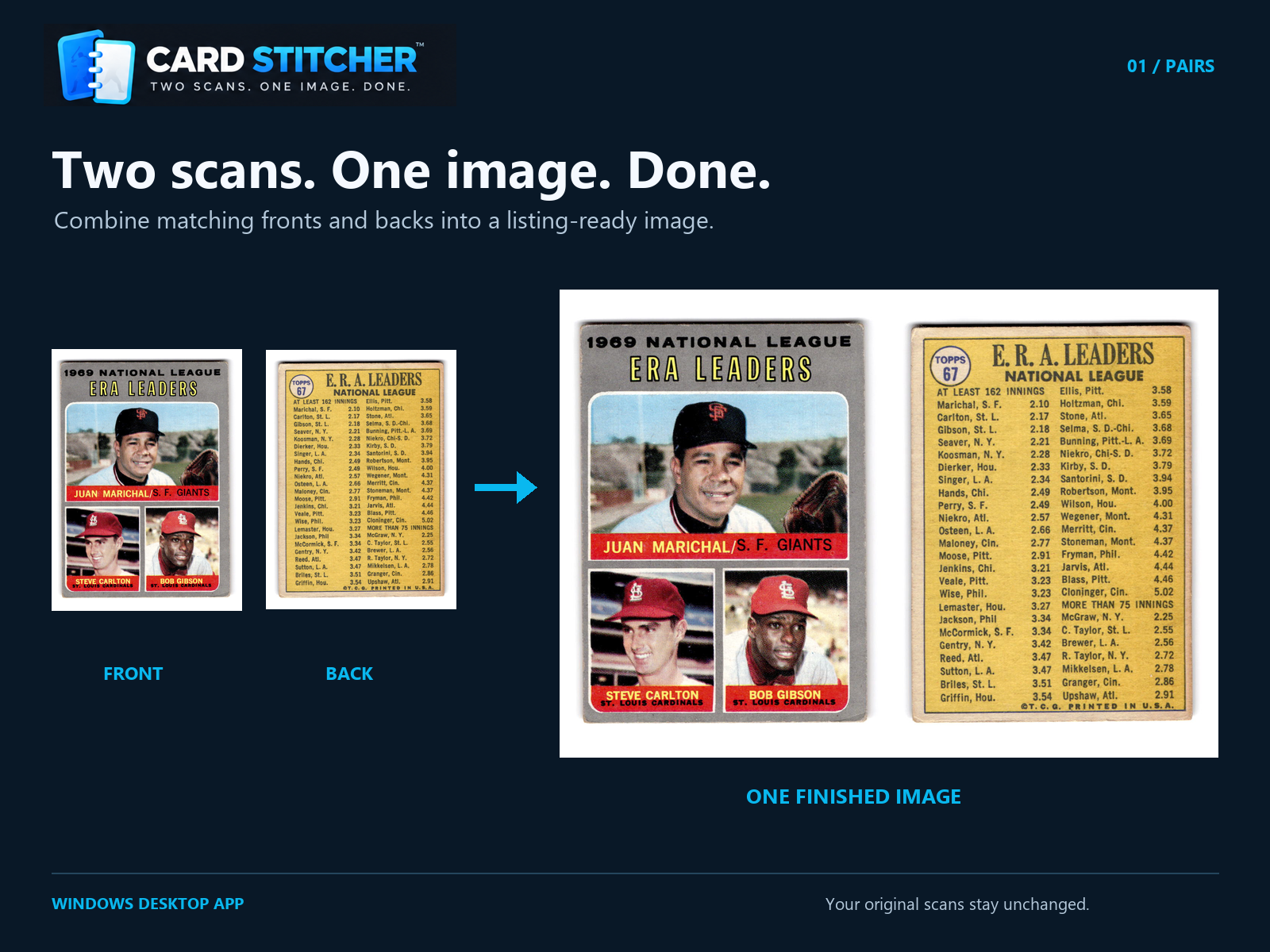

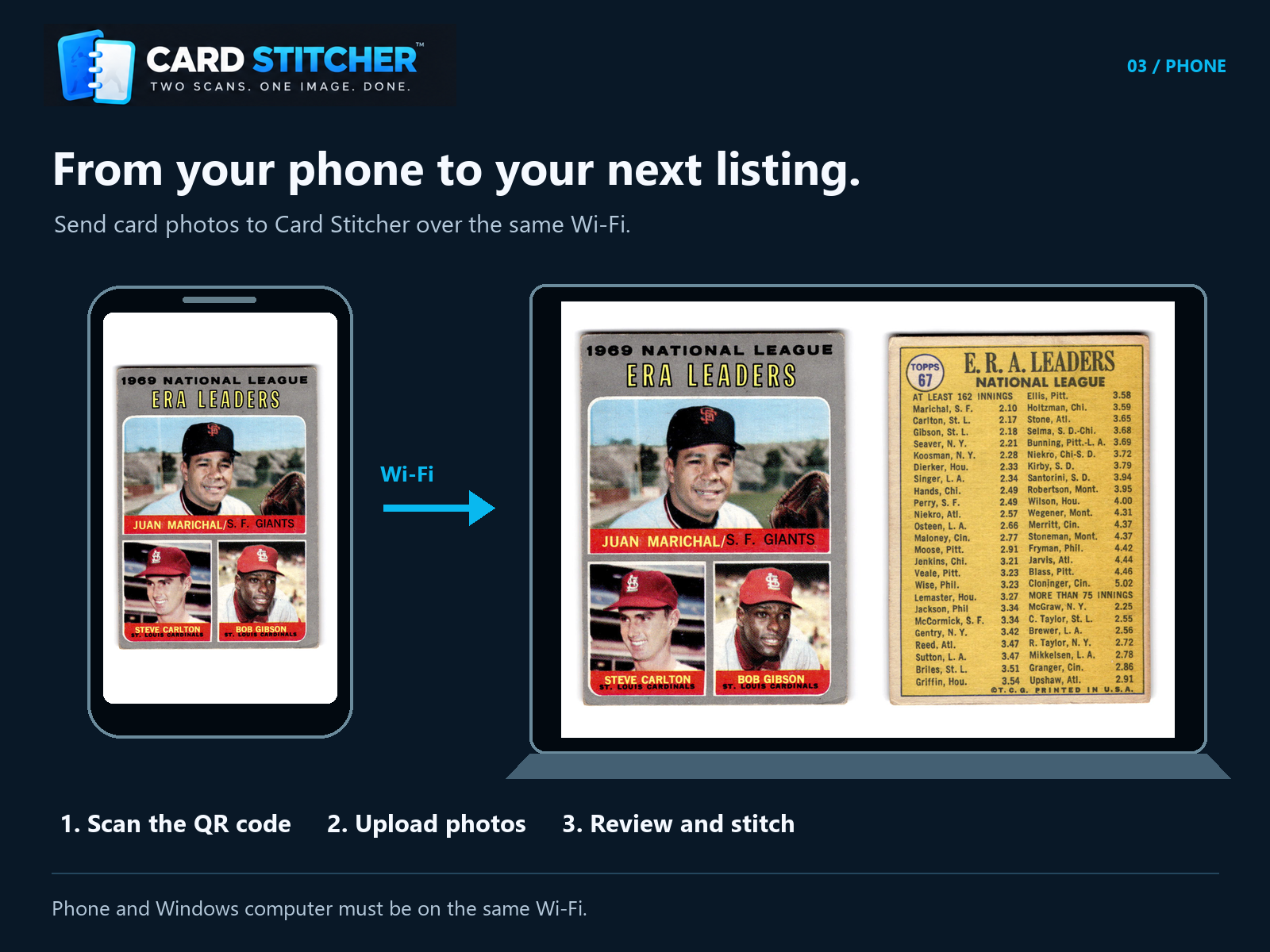
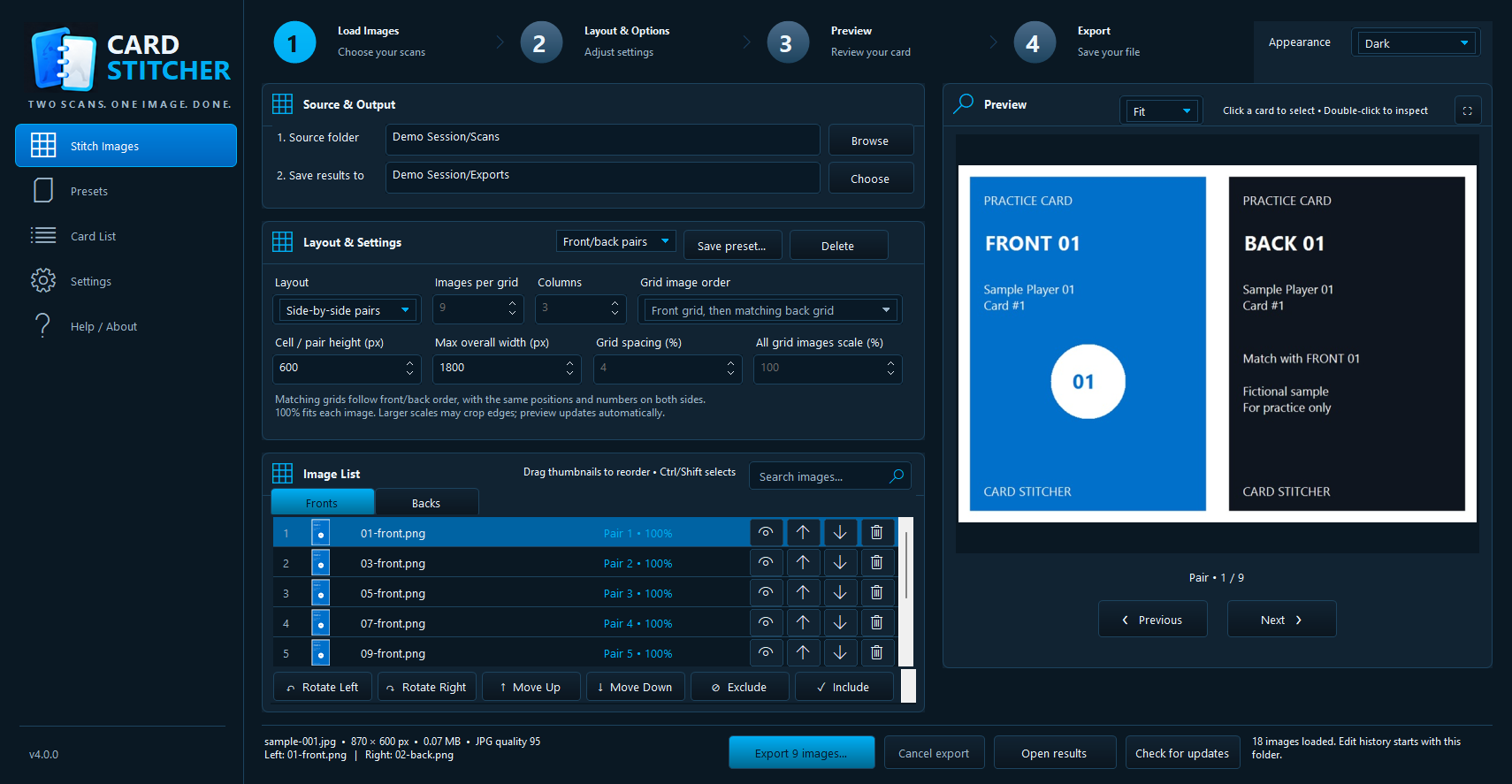
Pair matching fronts and backs, rotate or reorder scans, preview every result, and export the full group.
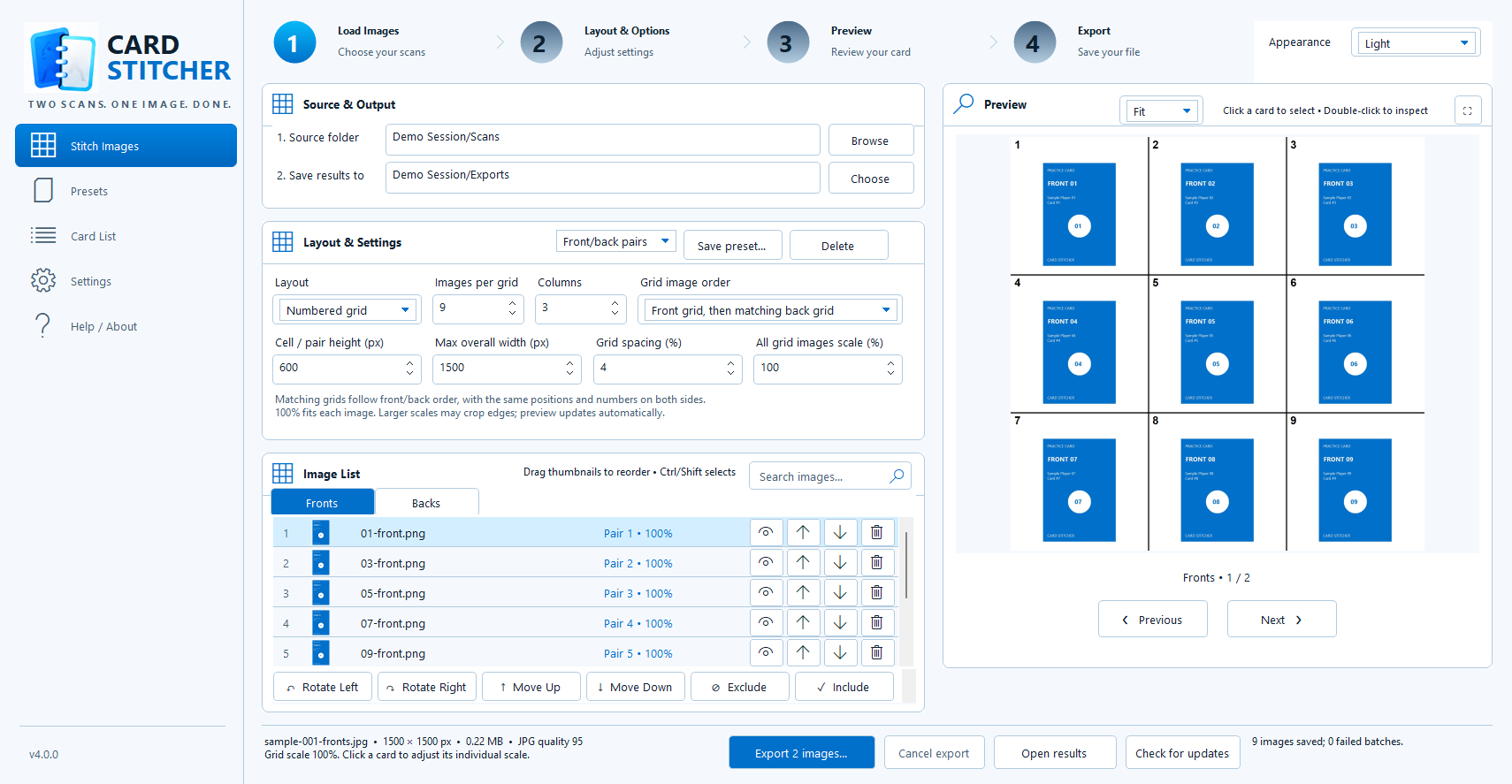
Turn as many as nine card images into a clear numbered grid that is easy for buyers to reference.
Built for card collectors
Card Stitcher was created specifically around the way sports cards are photographed, scanned, listed, and sold. Its job is to eliminate the image work that should not require complicated editing software.
Whether you are preparing an individual listing or photographing a stack of inexpensive vintage cards for a claim sale, Card Stitcher helps you move from raw images to a finished sale faster.
Simple ownership
Purchase Card Stitcher once and use it on your Windows PC.